Pet Finder
Pet Finder
Keep a keen eye, peace of mind!
We should not neglect those we love. It's no different with pets, and because they don't have the same thinking capacity as a human being, it's even more important to be attentive to what they do and where they are! Find your dog or cat with extreme agility and speed.

Care like you've never seen before!
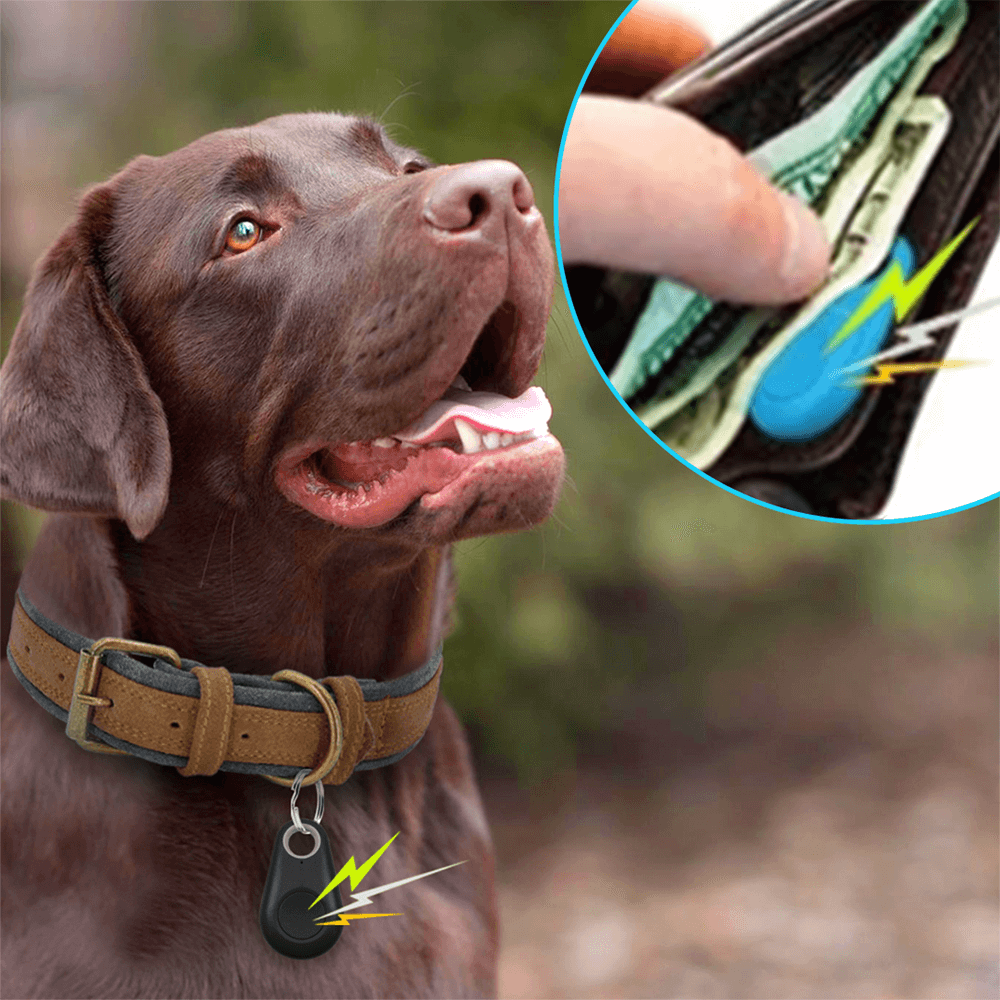
Two-way alarm, compact and versatile: if you lose your pet, activate the alarm on your phone. If you lose your own phone, you can also find it by pressing the tracker button twice! Range of about 20 meters.

FindElfi app:
Through the app you know where your furry friend has been and where it is, all in the palm of your hand.
Low power consumption:
So that the battery lasts much longer and you can always find your pet.
Versatile:
In addition to helping you locate your four-legged baby, you can also use it in a wallet, children, suitcase, among other belongings.
Worldwide shipping
We ship worldwide with insurance and online tracking code.

30 days guarantee
30 days money back guarantee.

Safe payment
Completely safe payment, by bank slip or credit card. Certified Process.
Frequently Asked Questions
Is the battery included in the purchase?No, it must be purchased separately.
What are the compatible operating system versions?
For iOS, from 7.0; for Android, from 4.4.
How to use the Tracker?
Open the cover with a coin.
Insert a CR2032 lithium battery (purchased separately).
Install the FindElfi app on the Google Play Store or Apple Store.
Operation:
On/Off button: press and hold for 3 seconds to turn on and for 5 seconds to turn off, until you hear the beep twice in both cases.
Anti-loss: turn on the Bluetooth of the phone, open the FindElfi app, click on "Device" and then on "Connect"; clicking on the "Alarm" button will activate the sound alarm of the tracker, click again to stop the alarm.
Click the tracker button twice and the phone will also emit an alarm.
Camera: click on "Camera" in the app, position the phone and use the tracker button to take the photo.
Location: find the location records by clicking on "Lost history" in the app.
Settings: Clicking on "Set", you can configure the "do not disturb" mode, switch between Google Maps and Baidu Maps, generate CSV files, and customize the alarm sound and volume.
Product features
Product features
Materials and care
Materials and care
Merchandising tips
Merchandising tips